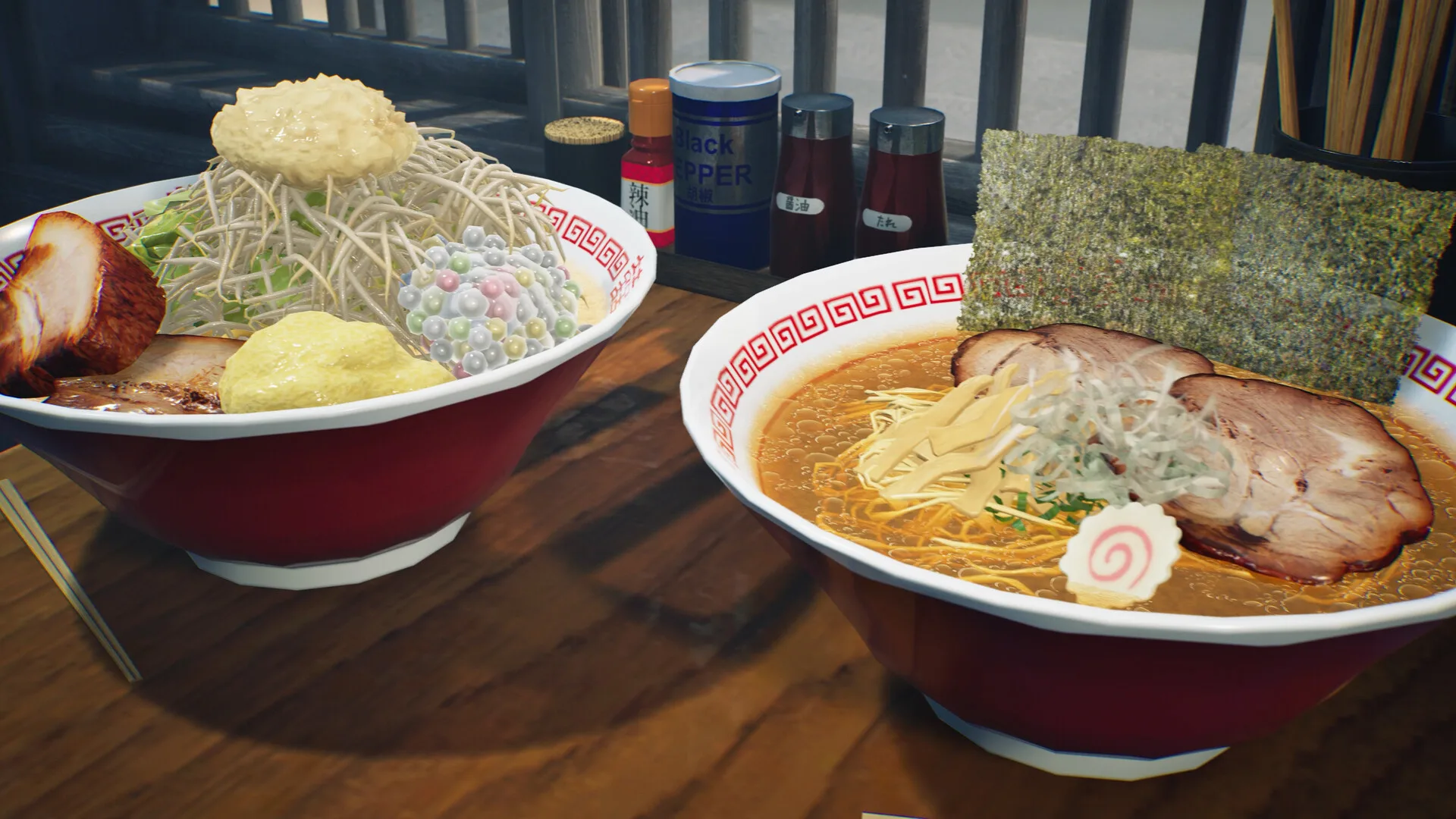
- Japanese Ramen Simulator VR: the Steam Early Access build has no native VR mode — it is a standard PC co-op restaurant simulator.
- Immersion still works: first-person kitchen play, ultrawide displays, and controller setups deepen the ramen shop experience.
- Up to 6 players: online co-op lets a full team divide prep, cooking, assembly, and service roles.
- Early Access status: launched October 9, 2026 with an 88% positive Steam review score and 10 supported interface languages.
- Track official channels: Wild Dog's Steam page and Discord are the only reliable sources for any future VR-related announcements.
Does Japanese Ramen Simulator Support VR? The Honest Answer
Many players searching for Japanese Ramen Simulator VR want to know whether they can slip on a headset and physically ladle broth for customers. Based on the official Steam store page (checked October 2026), the game ships as a standard PC title played on a monitor — the store listing advertises solo play and online co-op for up to six players, with no VR headset requirement or VR mode listed.
That said, the game's first-person kitchen perspective, hands-on cooking loop, and cozy ramen shop atmosphere make it a natural fit for immersive display setups. Before we cover those options, here is the official announcement trailer showing the core co-op gameplay:
Video Highlights:
- Up to six players cooperate to run a single ramen restaurant
- Divided responsibilities: ingredient prep, noodle cooking, and shop management
- Customer service flow from order to served bowl
- Original recipe creation and shop customization systems
The table below summarizes what the game does and does not offer on the immersion front:
| Feature | VR Headset Support | Standard Monitor | Co-op | Notes |
|---|---|---|---|---|
| Native VR mode | Not listed | Yes | Up to 6 players | Steam page lists no headset requirement |
| First-person kitchen view | N/A | Yes | Yes | Hands-on prep, cooking, and serving loop |
| Controller input | N/A | Check Steam page | Yes | Keyboard and mouse supported |
| 10 interface languages | N/A | Yes | Yes | English, Japanese, Chinese, Korean, Spanish, more |
Some third-party sites may claim VR support to attract clicks. Only the official Steam store page and Steam Community Hub publish confirmed feature lists. Treat any VR claim outside these channels as unverified.
Immersive Setup Options Without a Headset
Even without native VR, you can build a genuinely absorbing ramen shop experience. These setups range from budget-friendly to enthusiast-tier:
Ultrawide Display
- 21:9 or 32:9 monitors expand the kitchen view
- Easier tracking of multiple stations at once
- Ideal for solo play and order management
Controller Comfort Setup
- Play from a couch-friendly distance
- Pair with a large TV for a relaxed shop session
- Great for long co-op evenings with friends
Audio Immersion
- Headphones highlight broth simmering and customer ambience
- Spatial cues help track incoming orders
- Cheap upgrade with a big atmosphere payoff
For reference, here is how each approach compares on cost and impact:
| Setup Approach | Approximate Cost | Immersion Impact | Best For |
|---|---|---|---|
| Headphones only | Low | ★★★ | All players, quick win |
| Controller + TV | Medium | ★★★ | Couch co-op comfort |
| Ultrawide monitor | Medium-High | ★★★★ | Solo and order-heavy play |
| VR headset (unsupported) | High | Not applicable | Wait for official support news |
If you can only upgrade one thing, use headphones. Ambient kitchen sound and customer cues add more perceived immersion than any display change at zero cost.
Core Gameplay Loop: What You Actually Do
The appeal that drives VR curiosity is the tactile cooking loop. Japanese Ramen Simulator structures every service around a repeatable four-phase rhythm, whether you play solo or with five friends.
Prepare Before the Rush
Inspect the kitchen layout, gather expected ingredients, and stage noodles, broth components, and toppings near their stations. A clean workspace before customers arrive prevents bottlenecks later.
Cook and Assemble
Process noodles with the cooking equipment, combine them with the selected broth, and add the exact toppings each order requests. Check the order ticket rather than assembling from memory.
Serve and Reset
Match each completed bowl to the correct customer, deliver promptly, then loop back to restock and prep the next round of ingredients.
Refine and Expand
Once the rhythm is stable, experiment with custom menu combinations, adjust your kitchen layout, and consider hiring staff for cleaning and dish handling.
Early days reward learning the complete workflow over rushing output. Players who master the prepare-cook-serve-reset loop scale far more smoothly than those chasing maximum orders immediately.
Co-op Roles for an Immersive Six-Player Kitchen
Cooperation for up to six players is the game's standout feature, and role division is what makes a crowded kitchen feel like a real restaurant. These role assignments keep orders flowing and prevent players from blocking each other:
| Role | Priority | Key Responsibilities |
|---|---|---|
| Order and Service Coordinator | High | Track orders, call out requirements, deliver bowls |
| Ingredient and Prep Worker | High | Stage noodles, broth, toppings; report shortages |
| Cook and Assembly Worker | High | Run cooking, build bowls, confirm accuracy |
| Flexible Support Player | Medium | Fill gaps, restock, clear bottlenecks |
Before Your Co-op Session:
- Assign each player a primary station before opening
- Agree on call-outs for new orders and shortages
- Keep the central kitchen walkway clear of clutter
- Decide who covers cleaning and dish handling
- Review layout changes together before the rush
The most common co-op failure mode is two players silently taking over the same task. Announce every station change before moving into another player's workflow.
Key Facts, Stats & Where to Track Updates
Here are the confirmed facts every player should know before buying, based on the official Steam listing as of October 2026:
| Detail | Value |
|---|---|
| Developer / Publisher | Wild Dog |
| Release date | October 9, 2026 (Early Access) |
| Platform | PC (Steam) |
| Players | Solo and online co-op, up to 6 |
| Interface languages | 10, including English, Japanese, Chinese, Korean, Spanish |
| Steam review score | 88% positive |
| VR support | Not listed on the official store page |
Because the game just entered Early Access, features, balance, and content will evolve based on community feedback. Re-check the Steam news hub and the official Discord before relying on any guide detail, including VR status.
FAQ
Q: Is Japanese Ramen Simulator a VR game?
No. The official Steam store page lists it as a standard PC title with solo play and online co-op for up to six players. No VR headset support is advertised. Any site claiming native VR support is unverified — always confirm features on the official Steam page.
Q: Can I play Japanese Ramen Simulator in VR through unofficial tools?
There is no official VR mode to modify, and third-party injection tools are not endorsed by the developer. For immersion, ultrawide displays, TV-and-controller setups, and headphones deliver a reliable experience within the game's supported configuration.
Q: How many players can cooperate in Japanese Ramen Simulator?
Up to six players can run a single ramen shop together online. The game also fully supports solo play, where one player handles prep, cooking, assembly, and service in a fixed personal workflow.
Q: Where should I track news about possible VR support or updates?
Follow the official Steam Community Hub, Wild Dog's Discord, and the developer's YouTube and X/Twitter accounts. These are the confirmed official channels, and any VR announcement would appear there first.